Skip to content

~/web-learning/setup

Before you start: one evening of set-up

You do not need to buy anything beyond the course. A computer you already own, a free browser and a free code editor are enough for every lesson on the shelves. This page lists what to check, how much time to set aside and which course to open first.

The first evening, step by step · Where to start

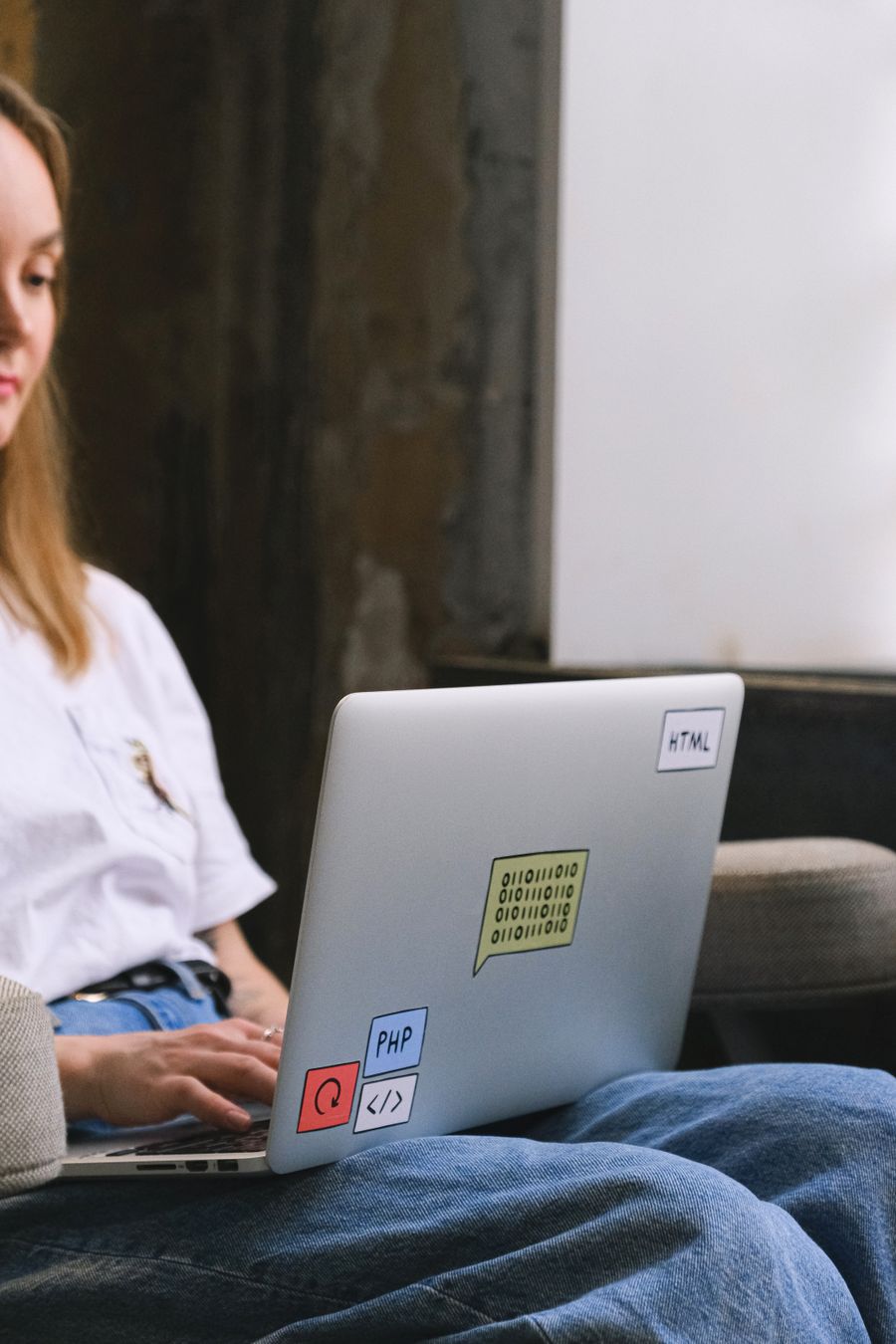
A woman in a white T-shirt works on a laptop resting on her lap, its lid covered in HTML and PHP stickers

checklist.txt

What you need

01 · computer

A laptop or desktop computer

Windows, macOS or Linux, from the last few years, with a keyboard and a screen big enough to have two windows side by side. A Chromebook can work if it lets you install apps.

A phone or a tablet on its own is not enough. You can watch a lesson on one, but writing code, keeping files in folders and checking the result in a browser all need a proper computer.

A second screen is handy for the video, but not required. Headphones help if you study where others are talking.
02 · browser

An up-to-date browser

Chrome, Firefox, Edge or Safari, all free. Lessons are streamed in the browser, and the same browser is where you will open and test your own pages.

03 · editor

A free code editor

Something like VS Code, which is free on every system. Any editor that saves plain text files will do; the lessons explain the few features they use.

04 · internet

Broadband that streams video

If you can watch an online film without it stopping, you can watch the lessons.

calendar.ics

How much time a week

2–4 hours a week

That is the pace each course suggests on its page. Two or three regular, shorter sessions tend to work better than one long one, because you come back to the code before you have forgotten it. Nothing expires after a lesson: you have 18 months, so a slower week costs you nothing.

~/first-evening

The first evening

About an hour, before the first lesson. When these four are done, everything else happens inside the course.

  1. Make one folder for your work

    Create a folder called web-learning in your Documents. Every exercise lives in there, so you always know where your files are.

  2. Install the editor and open the folder

    Install a free code editor, then use its Open Folder command on web-learning. The folder appears in the sidebar.

  3. Make one file and open it

    Create index.html, type <h1>Hello</h1>, save, and double-click the file. Your browser shows the word. That is a web page.

  4. Arrange your screen and your week

    Put the editor on one half of the screen and the browser on the other. Pick two or three regular slots in your diary, then open the first lesson.

Eight shortcuts worth learning first

Windows and Linux use Ctrl; on a Mac press Cmd instead.

Ctrl S
Save the file
Ctrl Z
Undo the last change
Ctrl R
Reload the page in the browser
Ctrl Shift R
Reload, ignoring the cached copy
F12
Open the developer tools (Mac: Cmd Option I)
Ctrl F
Find text in the file
Ctrl /
Comment or uncomment a line in the editor
Alt Tab
Switch between editor and browser (Mac: Cmd Tab)

glossary.txt

Words you will hear in the first week

HTML
The text of a page and what each part is: a heading, a paragraph, a link, an image.
CSS
How the page looks: colour, type, spacing and where things sit on the screen.
JavaScript
The language that makes a page react when someone clicks, types or scrolls.
Browser
The program that reads HTML, CSS and JavaScript and draws the page.
Code editor
A text editor made for code: it colours the syntax and shows your folder.
Developer tools
A panel built into the browser for inspecting and testing a page.
Repository
A project folder whose whole history is tracked by Git.
Commit
A saved snapshot in that history, with a short note of what changed.
Hosting
A computer that is always on and serves your site to anyone who asks.
Domain
The address people type, such as yourname.co.uk, rented by the year.
DNS
The directory that tells browsers which host a domain points to.
Responsive
A layout that rearranges itself to fit a phone, a tablet or a wide screen.

~/courses/start-here

If you are… start with…

A first course for each starting point, with its length, suggested pace and price
If you…Start withLengthAt the suggested pacePrice
Starting from an empty filehave never written HTML, or only copied it from tutorials HTML and CSS: Your First Page, Line by Line 39 lessons · 7 h 9 min 3 h/week · about 3 weeks £521
Running your own websitelook after a business, club or practice website that runs on WordPress WordPress for Your Own Business Site 40 lessons · 7 h 20 min 3 h/week · about 3 weeks £847
Making pages that respondcan build a page with HTML and CSS and want it to react to clicks and forms JavaScript from Zero 46 lessons · 9 h 12 min 4 h/week · about 3 weeks £1,236
Getting it online and fasthave a site working on your own computer and want it on the internet Git and GitHub Without the Panic 30 lessons · 5 h 2 h/week · about 3 weeks £553

Not sure? Every shelf lists its courses in the order they build on each other. Browse all 16 courses and tracks or plan by hours a week.

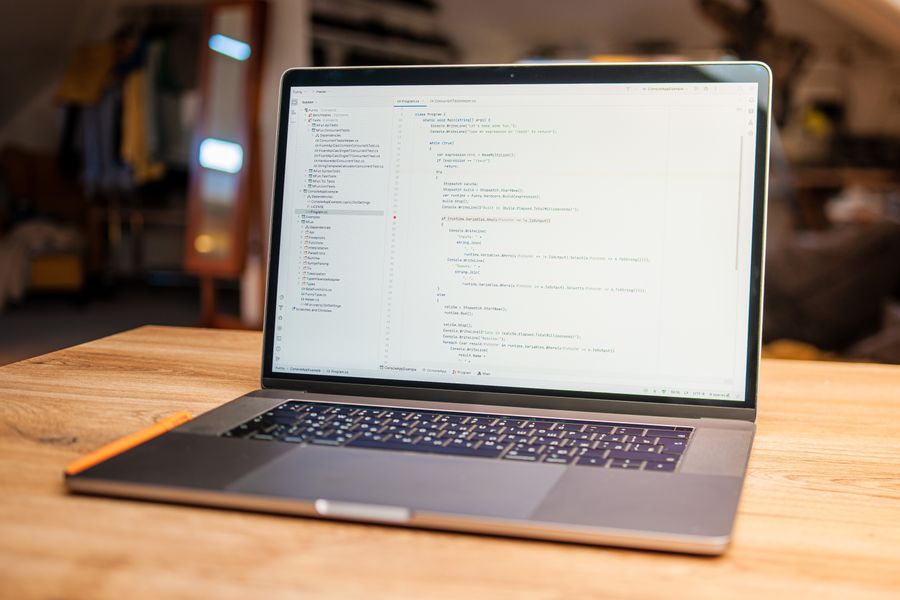
An open laptop on a wooden table with a code editor full of text on its screen
Editor open, browser beside it: that is the whole set-up.